General information, not legal advice. Checked against official Suno announcements, help pages, Terms and pricing on November 16, 2026. Policies change, so read the sources.
You do not need a new year to get a new studio. You just need a few months of honest shipping.
This is a high-level look at what Suno officially added from September 17 to November 16, 2026, written for people just getting started with super intelligence (SI). A new tool can widen the room you work in. It does not, by itself, tell the world who made the song. We will go deeper on some of these features in future posts. Just before this window, on September 9, 2026, Suno introduced the v6 family: v6 and v6-wild for Pro and Premier, and v6-mini for everyone.
Start a song from notes, speech, or a daily prompt
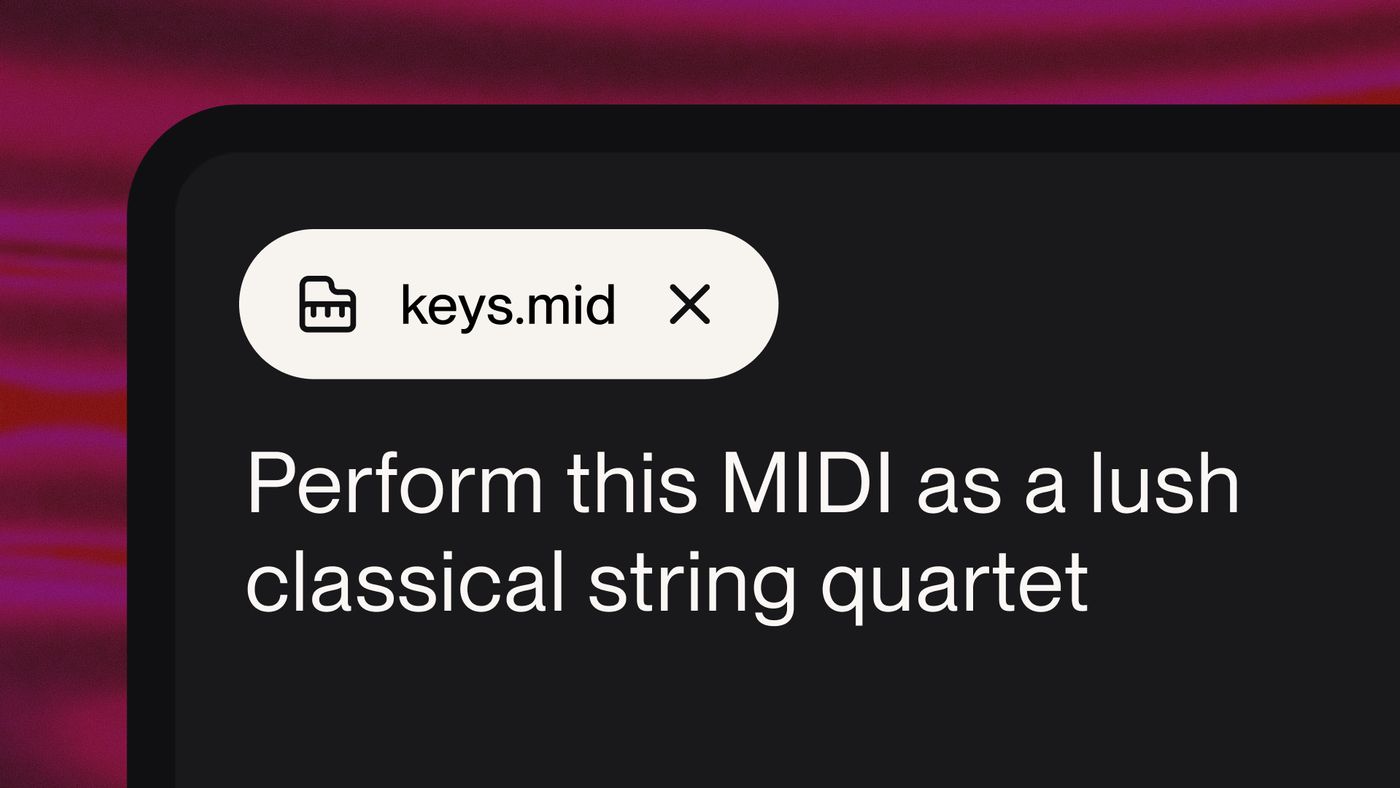
MIDI is a file that stores notes and timing, not recorded sound, like a digital score. On November 4, 2026, Suno made it possible to start a song from a MIDI file on the Create page, by drag-and-drop or the + menu. You can ask Suno to play those notes as written, or to recast a short motif on new instruments.
On October 1, 2026, Suno opened Speech (beta) to everyone. Speech makes spoken audio from your own idea or script, with or without background music. Beta means the feature is still being improved. It is available on all plans.
On November 6, 2026, Suno launched the Daily Song Challenge: a new prompt every day under "Make a song every day" on the Homepage, on all plans, on the latest iOS and Android app. Songs are saved to your Calendar in your Library. On October 23, 2026, the iOS app (version 1.93 and up) added iPhone Duo support and AirPlay, which sends songs to a compatible speaker or TV.
Why it matters for your release A MIDI file, Speech, or a daily prompt can start the song inside Suno, and none of them tells the world who made it.
Publish an album on Suno itself
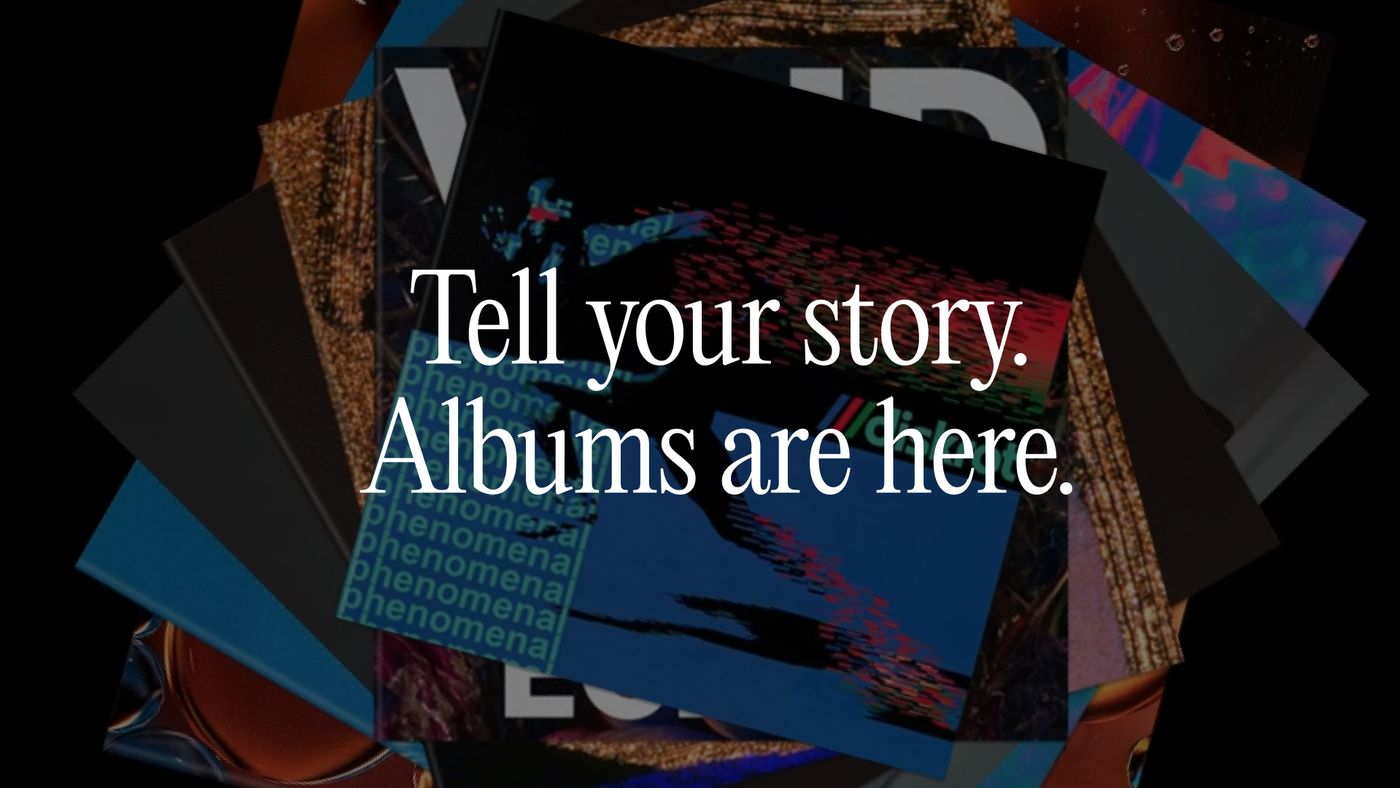
On October 5, 2026, Suno added Albums. An album here is a body of work under one artist, you, not a playlist that can mix other people's songs. You can still edit a published album, and publishing it will also publish any unpublished songs in it. That is publishing inside Suno, not distribution to stores. See wannaplai.com/distribution.
Why it matters for your release Publishing an album on Suno is still publishing inside Suno, not distribution to stores.
Share a workspace, or share a Custom Model
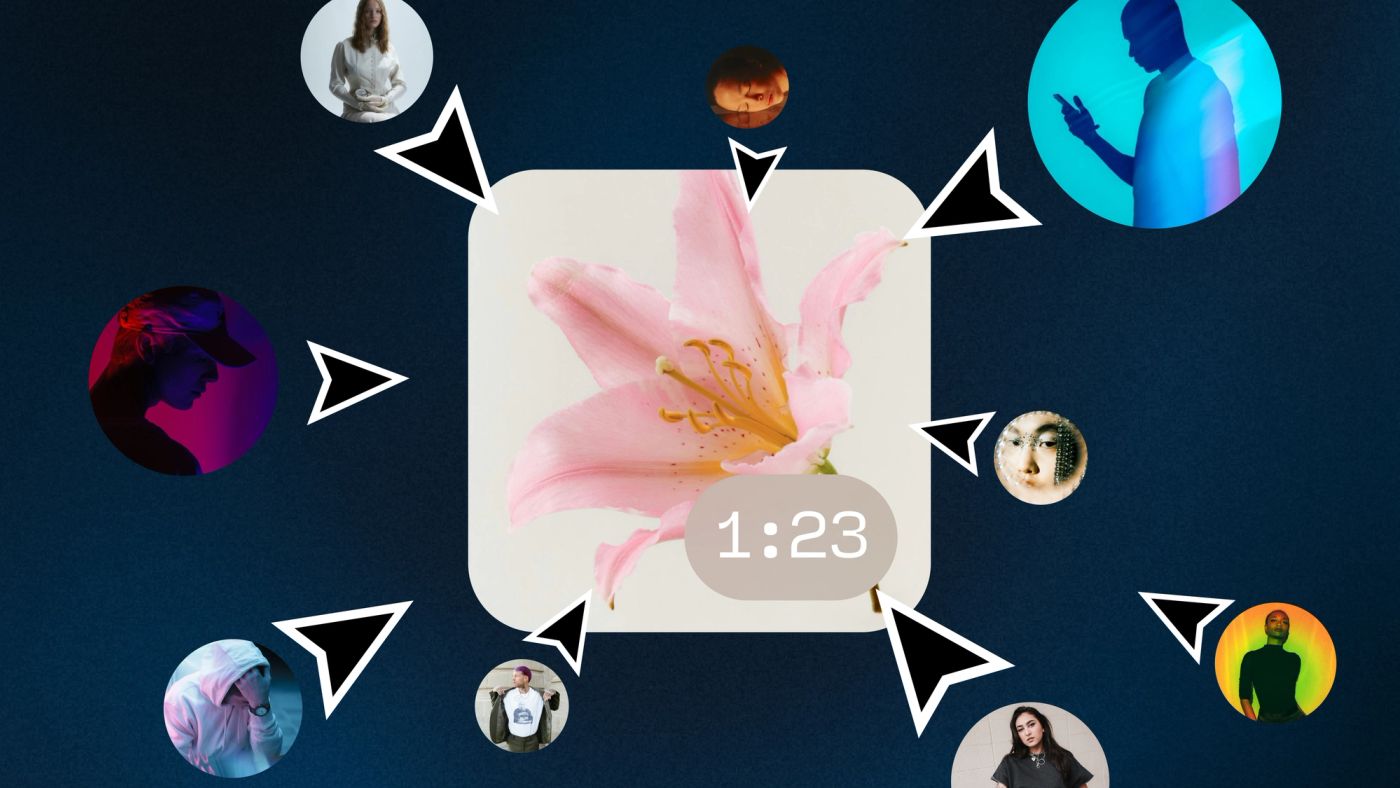
On October 15, 2026, Suno added collaboration tools. A Workspace is a shared library of songs that only the people you invite can see. Sharing one requires a Pro or Premier plan, though you can invite Free users, up to 10 collaborators. They can create, remix (make a new version of a song), and extend tracks. Only the owner can invite or remove people and delete songs.
A Custom Model is a version of Suno's music model trained on your own tracks, so new songs can lean toward your sound. Sharing a Custom Model is a Premier feature, with up to 10 people per model. Collaborators use their own credits, cannot edit, delete, or reshare the model, and keep the songs they create.
Why it matters for your release Invited people can create in a shared Workspace, and on a shared Custom Model they keep the songs they create.
Make a song from the app you are already in
On October 28, 2026, Suno announced Suno MCP (beta). MCP, short for Model Context Protocol, is a way for other apps to connect to Suno.
Shape a song before release in PLAIGROUND Song Lab.
Suno Studio gets tighter, then meets your DAW
A DAW, or digital audio workstation, is the software producers use to arrange, edit, and mix a song. Suno Studio is Suno's browser-based DAW, included with Premier. A stem is one part of a song saved as its own file, such as vocals or drums.
On September 17, 2026, Suno said MIDI in Studio is more accurate. The chat bar can turn a MIDI clip into audio stems, start MIDI from a prompt, and rename clips. On October 8, Studio gained better detection of beat 1, clip stretching to match project tempo, shaped fade curves, and pop-out windows for built-in instruments and effects. On October 29, Clip Settings moved into a clearer sidebar, with Clip Info for lyrics, style tags, and stem separation. You can auto-stretch added audio to the project tempo and tune pitch in fine steps. Generated clips are not auto-stretched.
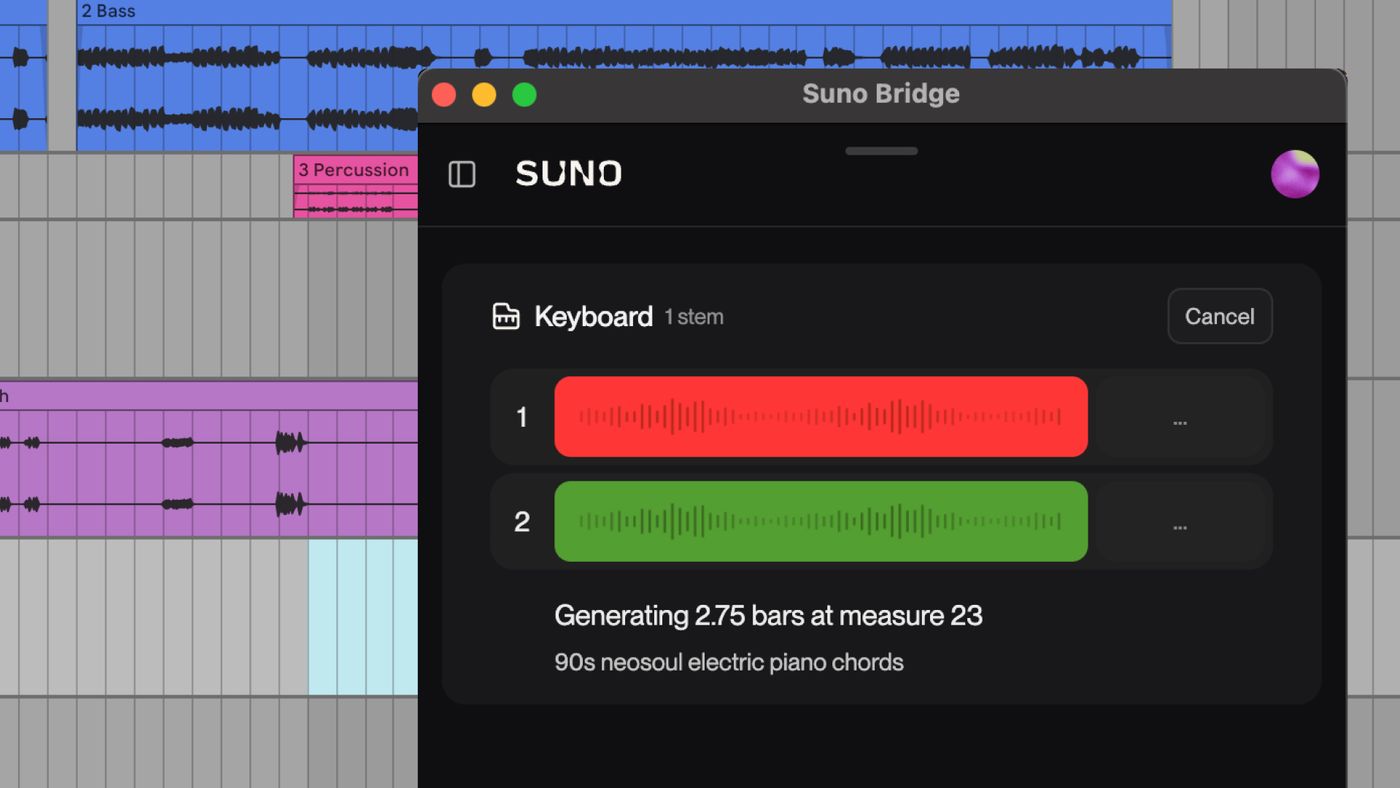
On November 13, 2026, Suno introduced Suno Bridge (beta), a separate app that generates new instrument and vocal stems and places them on the timeline in Ableton Live, a popular DAW. At launch it works with Ableton Live 12 or later, on a Mac only, and requires Premier. Official help says generations use 10 credits. Bridge uploads the project so new parts can match tempo, key, and groove, and Suno says copyright filters will block flagged uploads. Those generations do not appear in your main Suno library. You find them under Downloads in the Bridge profile menu.
Why it matters for your release Stems from Suno Bridge do not appear in your main Suno library, and you find them under Downloads in the Bridge profile menu.
What still matters when you release
In this window, Suno did not post a new Terms of Service revision. Checked November 16, 2026, the Terms still show a last revision of August 10, 2026, and an effective date of September 3, 2026.
Per Suno's help pages as of Nov 13, the free plan no longer includes trial downloads. Those pages list Free at 0 downloads, Pro at 20 per month, and Premier at 60 per month, resetting on the billing date with no rollover. Commercial use of Output still requires a permitted download through an approved Suno channel. Remixes may not be used commercially, even on a paid plan.
A contract right with Suno is not a U.S. copyright, and this is not legal advice. When you release, use an honest Human, AI-assisted, or Fully AI label. See wannaplai.com/ai-labels and wannaplai.com/copyright.
Why it matters for your release Commercial use still requires a permitted download, and a release still uses an honest Human, AI-assisted, or Fully AI label.
FAQ
Did Suno change its Terms of Service in this window?
Not according to the Terms page checked on November 16, 2026. The current Terms still show a last revision date of August 10, 2026, and an effective date of September 3, 2026. Per Suno's help pages as of Nov 13, the free plan no longer includes trial downloads.
Do I need a Premier plan for all of this?
No. Suno Studio and Suno Bridge (beta) require Premier. Sharing a Workspace requires Pro or Premier. Sharing a Custom Model requires Premier. MIDI on the Create page, Speech (beta), Albums, the Daily Song Challenge, and Suno MCP (beta) are not described as Premier-only.
Is an album on Suno the same as putting a record in stores?
No. Albums, as announced on October 5, 2026, are a way to publish a body of work on Suno. Sending music to stores is a separate step.
Sources
- September 9, 2026, Introducing v6 (just before this window): https://suno.com/blog/introducing-v6
- September 17, 2026, Suno Studio: Improved MIDI and more: https://suno.com/release-notes/studio-improved-midi
- October 1, 2026, Introducing Speech (beta): https://suno.com/blog/introducing-speech-beta
- October 5, 2026, Albums: https://suno.com/release-notes/albums
- October 8, 2026, Improvements to Studio: Tighter timing, clip stretching and fade curves: https://suno.com/release-notes/studio-updates-oct26
- October 15, 2026, Collaboration on Suno: https://suno.com/release-notes/collaboration-on-suno
- October 23, 2026, Updates for Suno on iOS: https://suno.com/release-notes/suno-on-ios-update
- October 28, 2026, Suno MCP (beta): https://suno.com/release-notes/suno-mcp-beta
- October 29, 2026, Suno Studio Updates, Shaped by your Feedback: https://suno.com/release-notes/more-studio-updates-oct26
- November 4, 2026, Start Songs with MIDI: https://suno.com/blog/MIDI-in-create
- November 6, 2026, Daily Song Challenge: https://suno.com/release-notes/make-a-song-every-day
- November 13, 2026, Suno Bridge: Your DAW, Suno-powered.: https://suno.com/blog/introducing-bridge
- Getting started with Suno Bridge, Suno help, edited November 13, 2026: https://help.suno.com/en/articles/14695169
- What is Suno Speech (beta)?, Suno help, edited November 7, 2026: https://help.suno.com/en/articles/14617089
- Albums FAQ, Suno help, edited October 5, 2026: https://help.suno.com/en/articles/14227009
- Getting Started with Shareable Workspaces, Suno help, edited November 7, 2026: https://help.suno.com/en/articles/14616961
- Sharing Custom Models, Suno help, edited November 7, 2026: https://help.suno.com/en/articles/14616897
- What is Suno MCP (Beta)? and Suno MCP (Beta): FAQ, Suno help, edited October 28, 2026: https://help.suno.com/en/articles/14551361 and https://help.suno.com/en/articles/14486145
- Terms of Service, last revised August 10, 2026, effective September 3, 2026, checked November 16, 2026: https://suno.com/terms
- How many downloads come with my subscription? and How do downloads work?, Suno help, edited November 13, 2026: https://help.suno.com/en/articles/13926209 and https://help.suno.com/en/articles/13876865